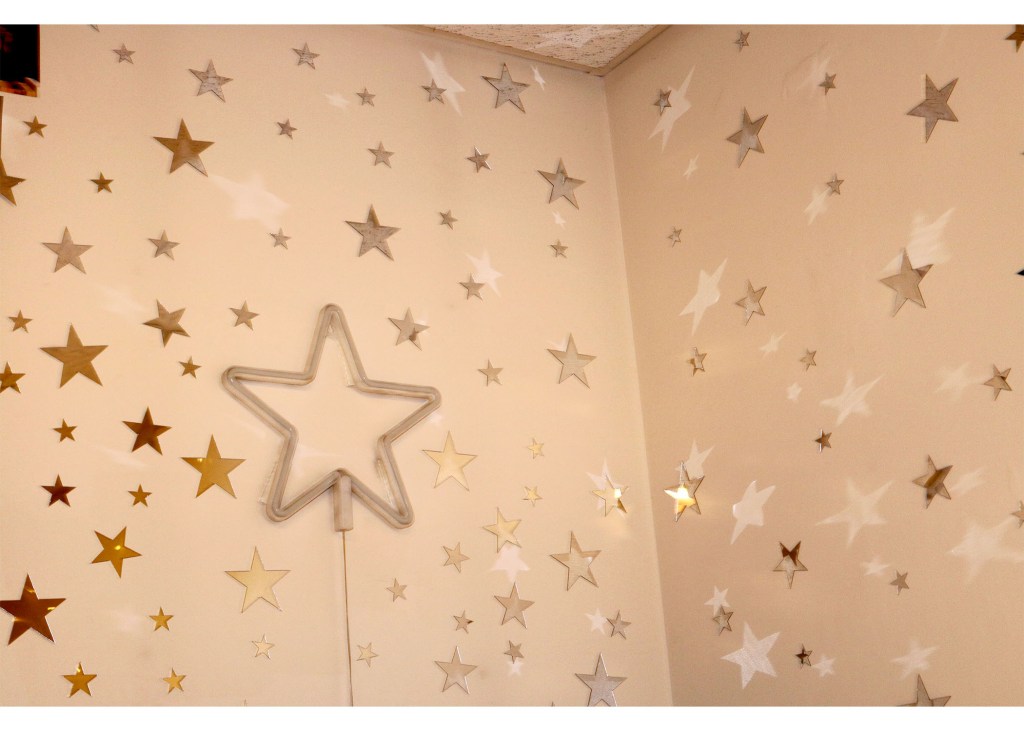
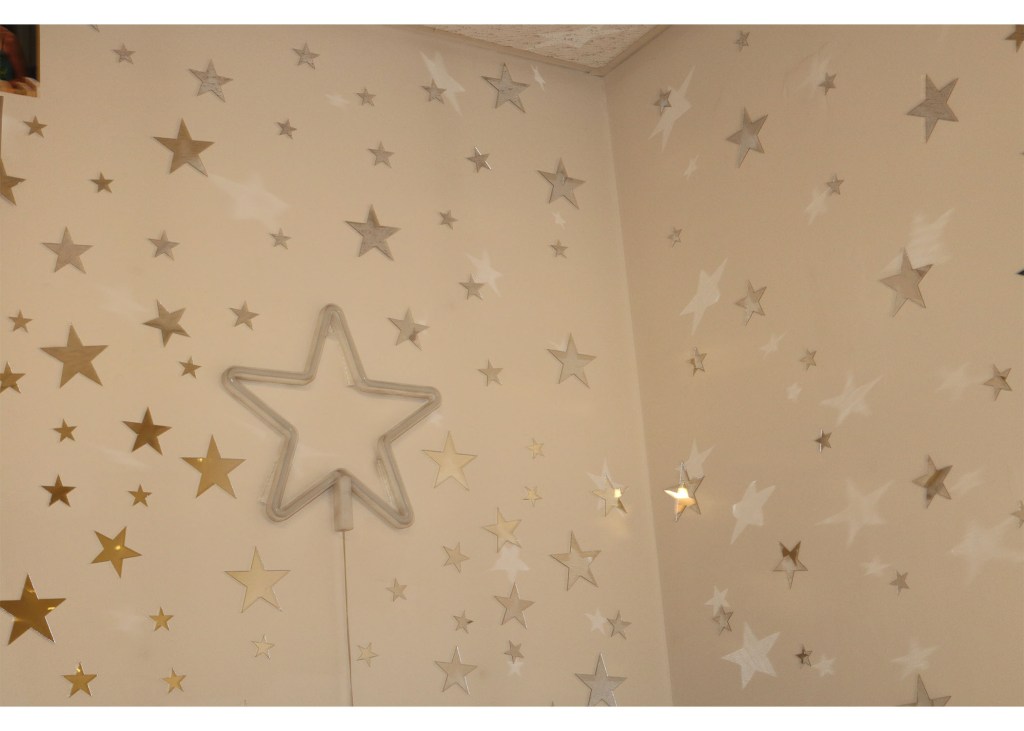
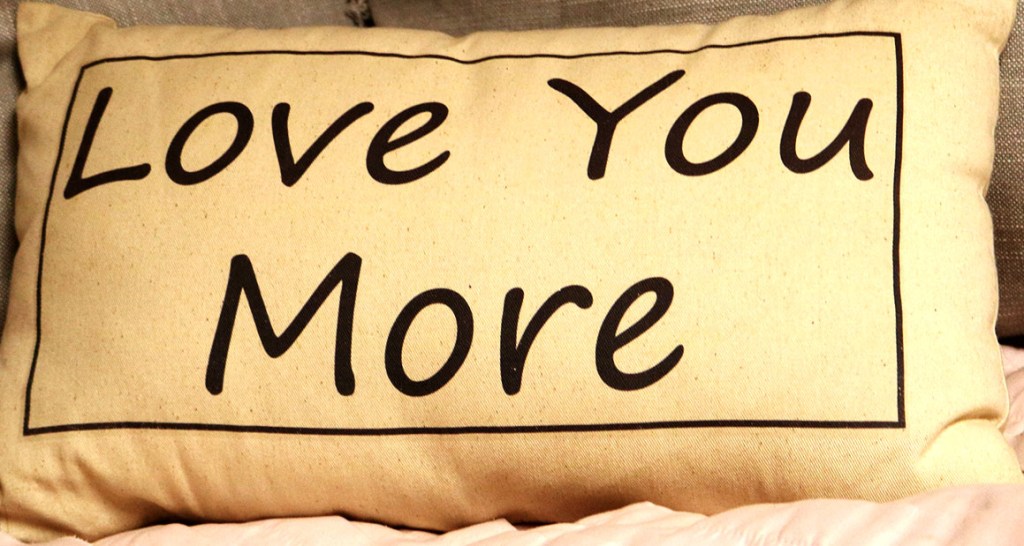
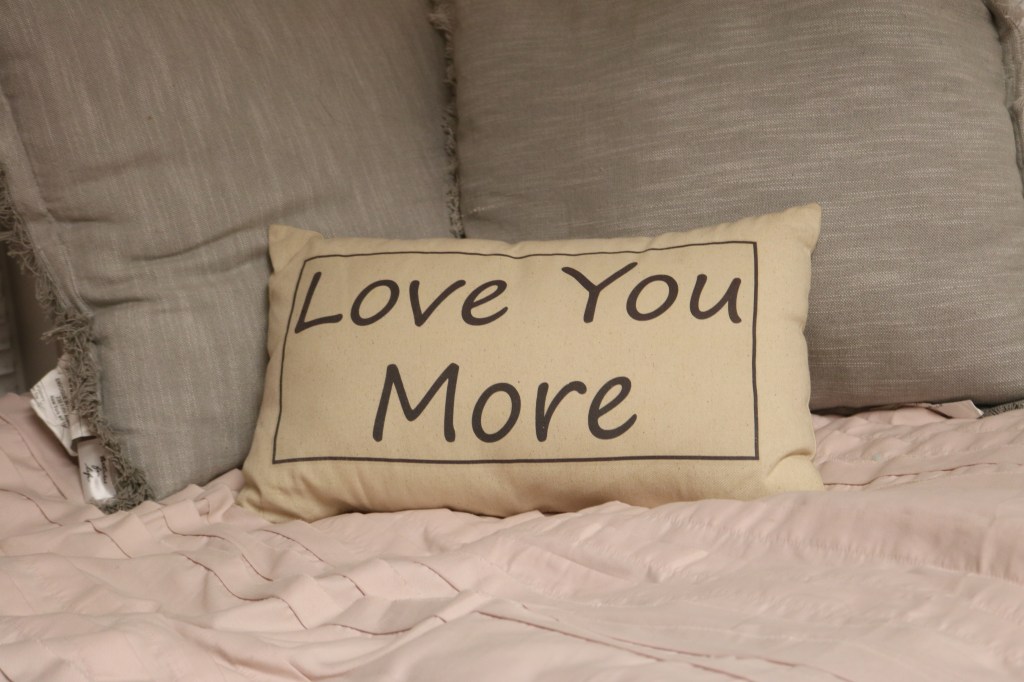
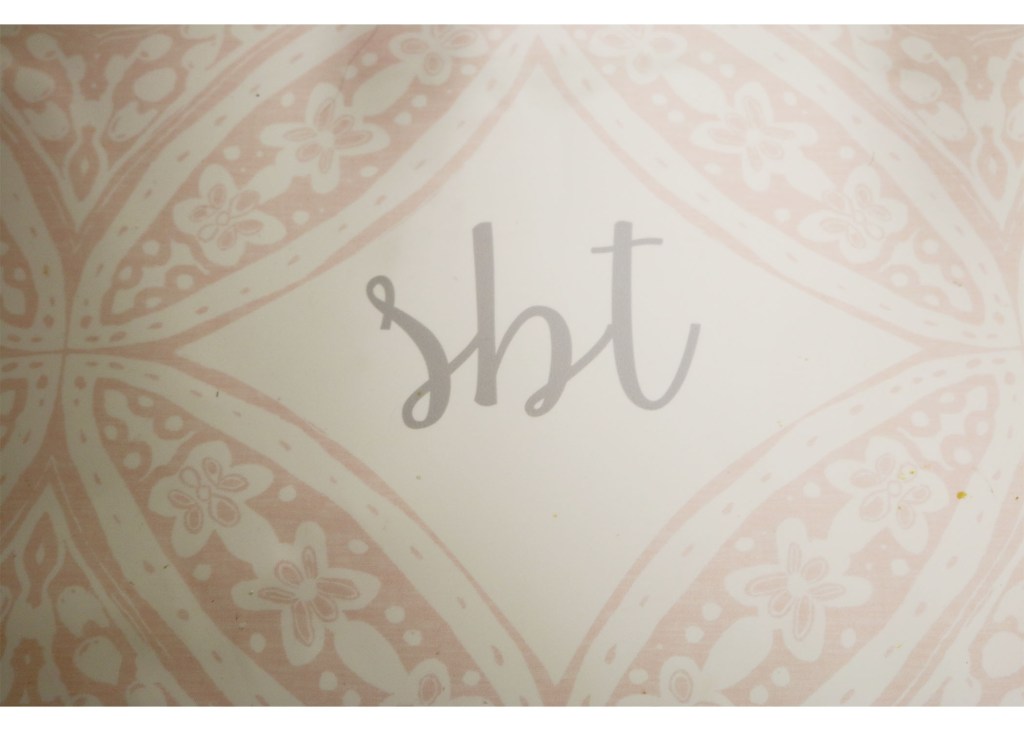
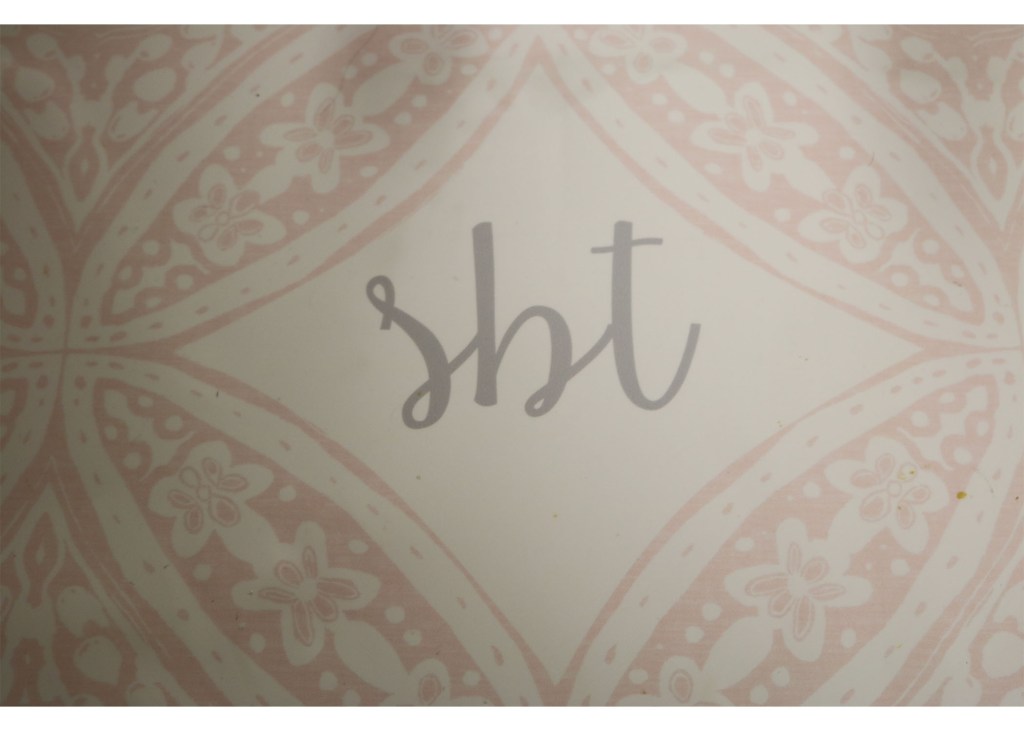
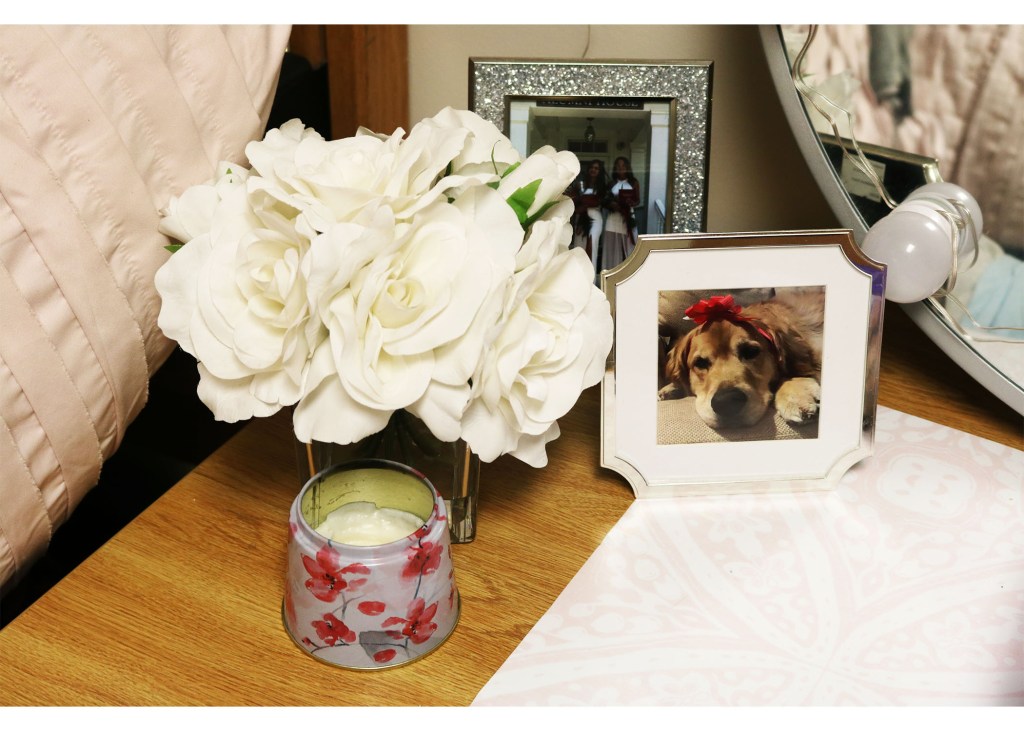
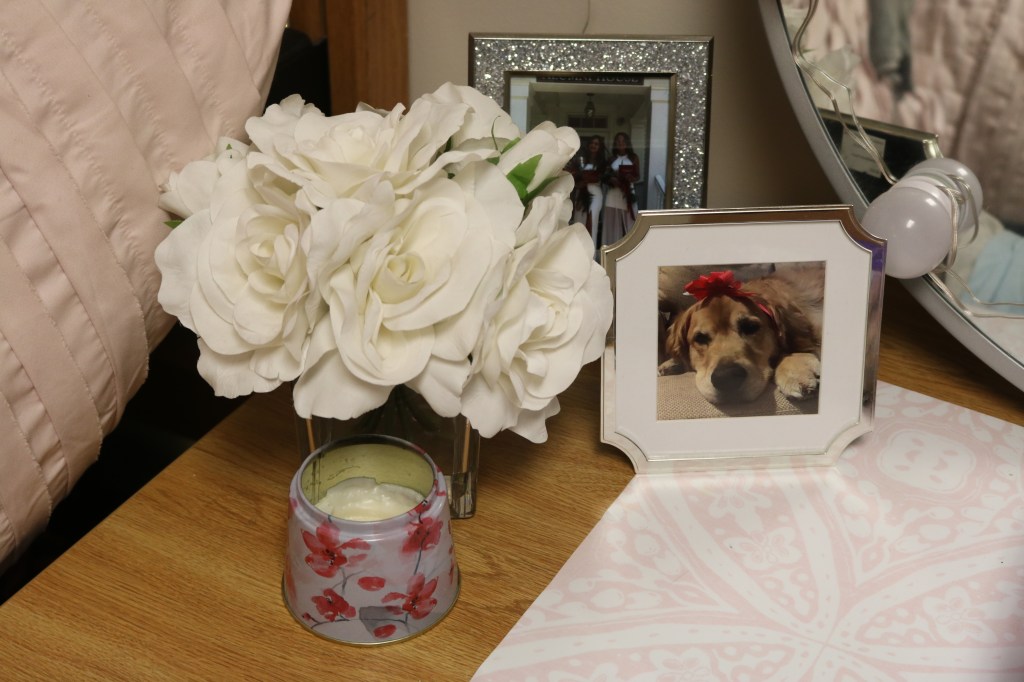
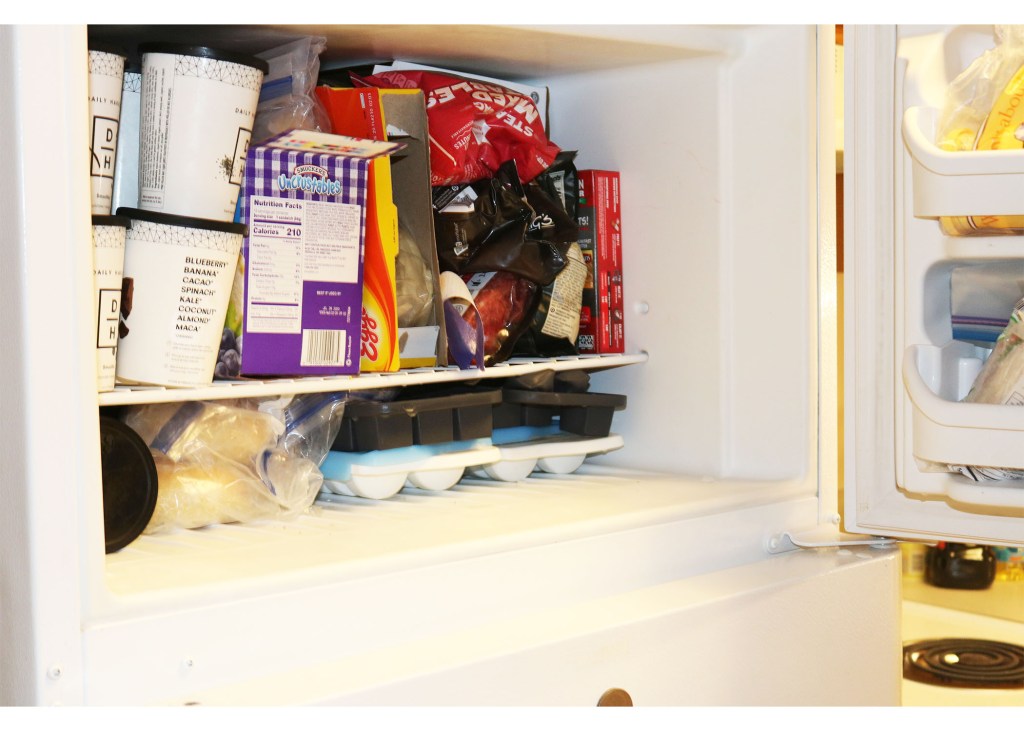
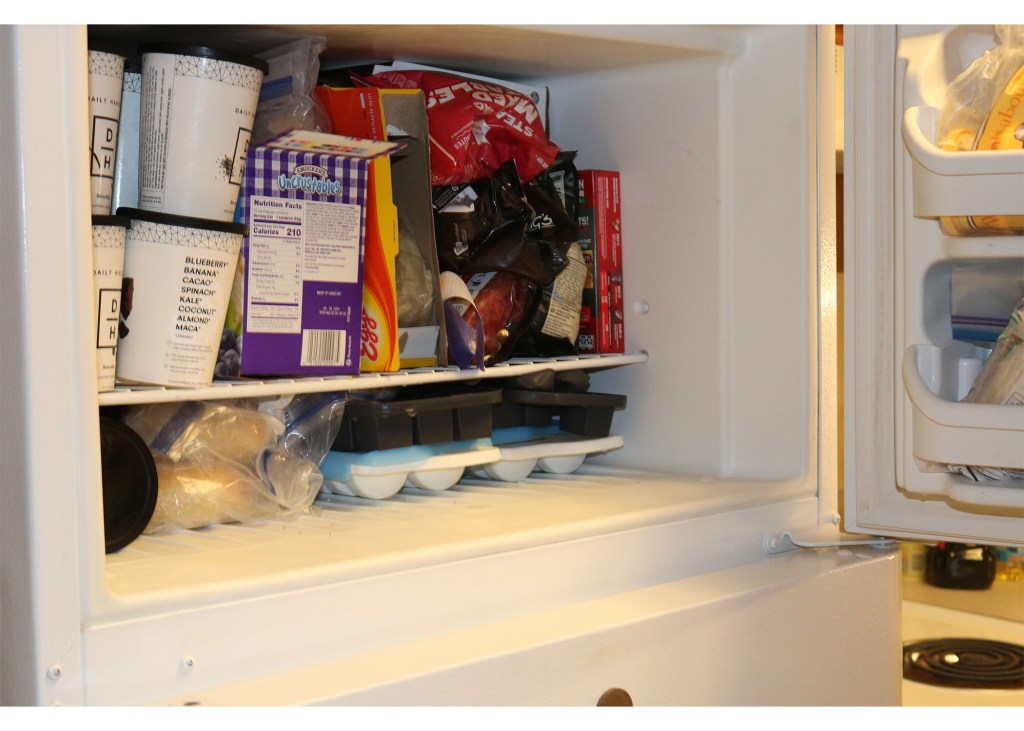
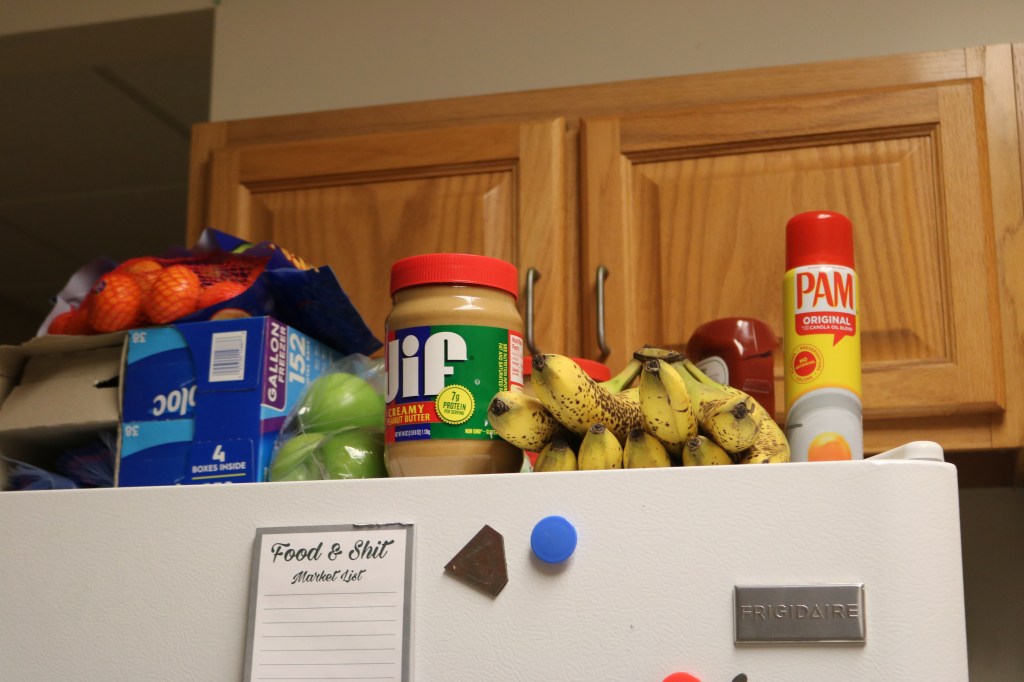
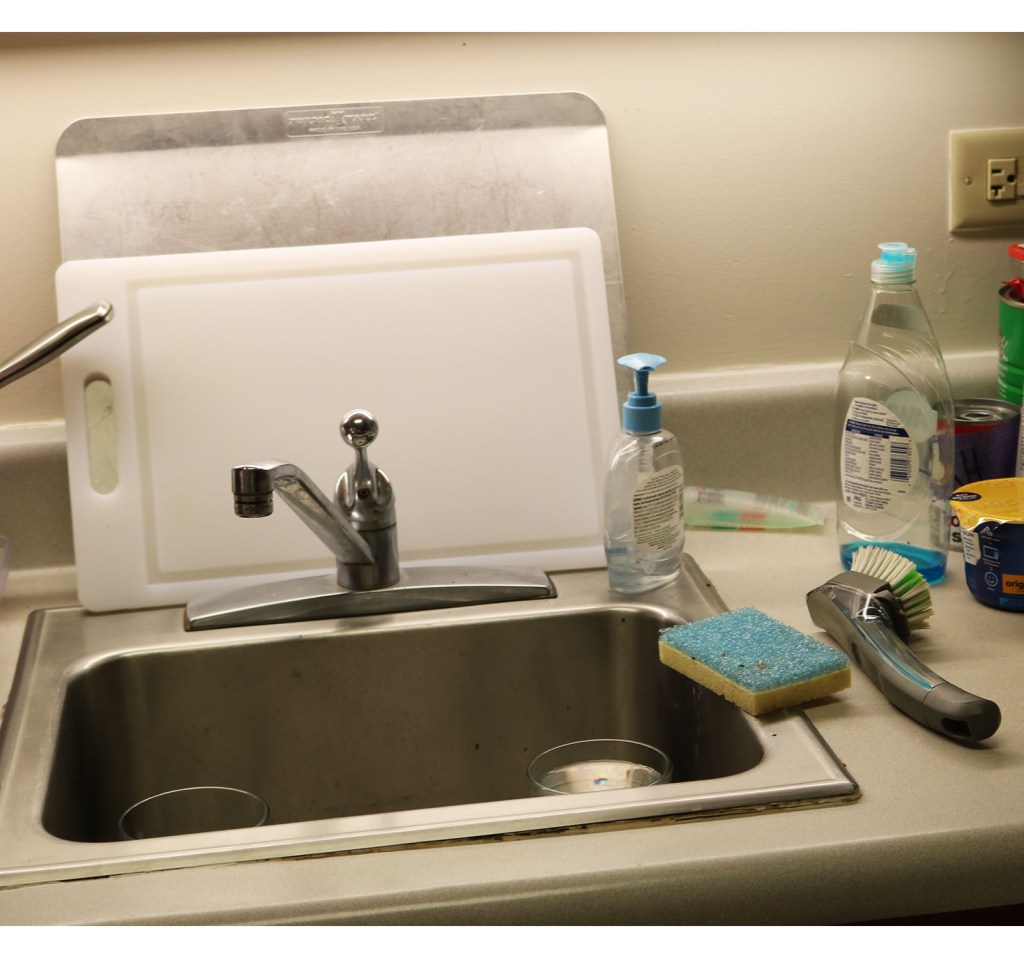
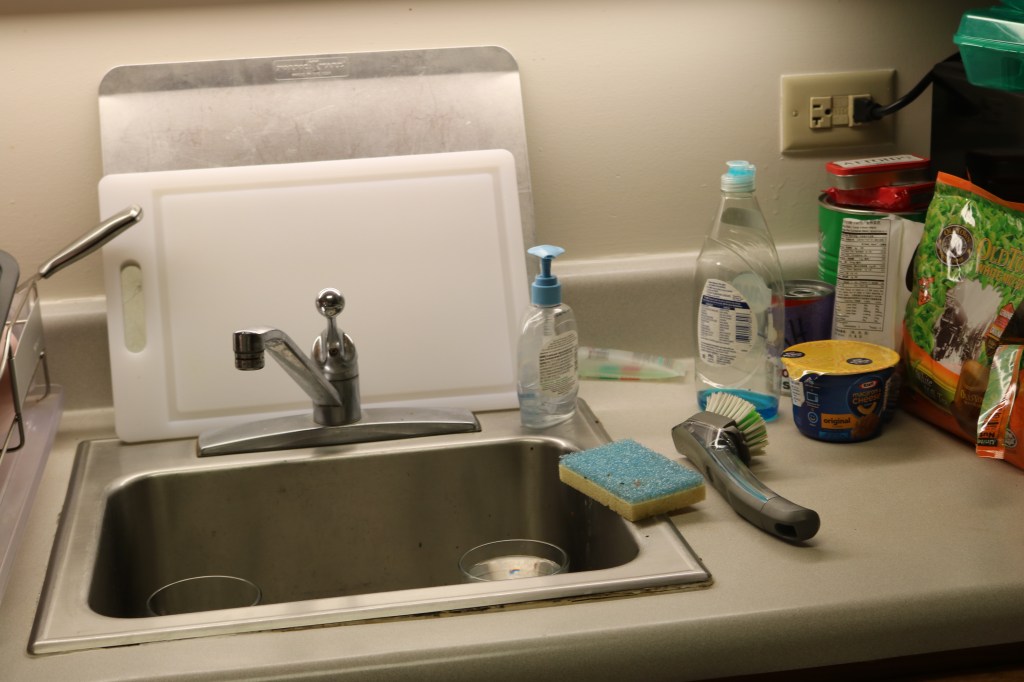
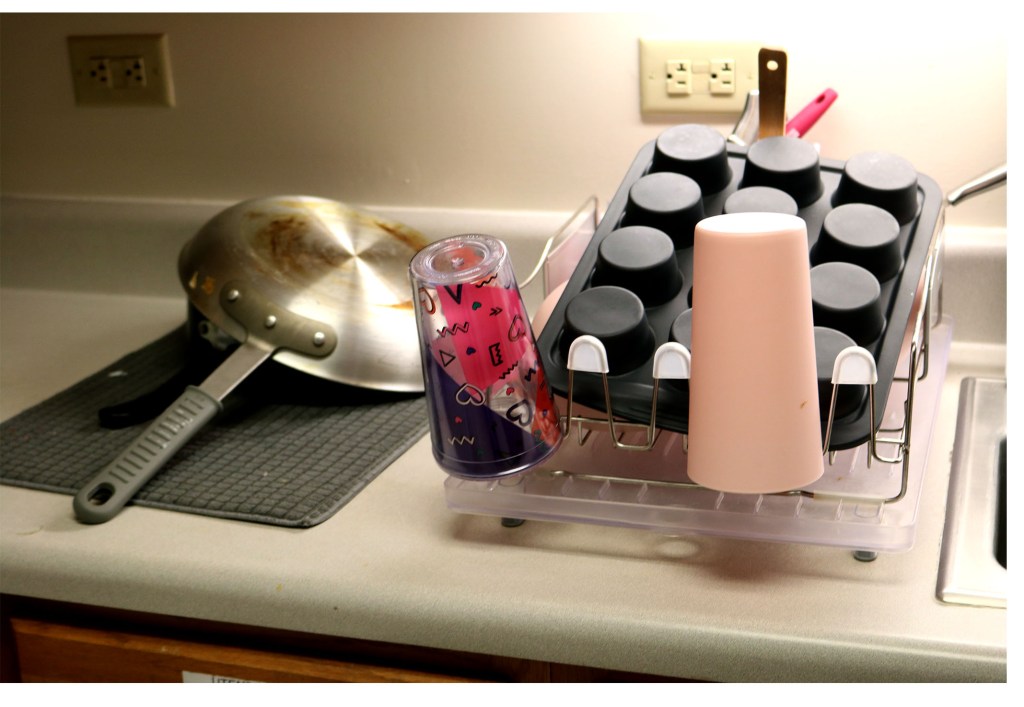
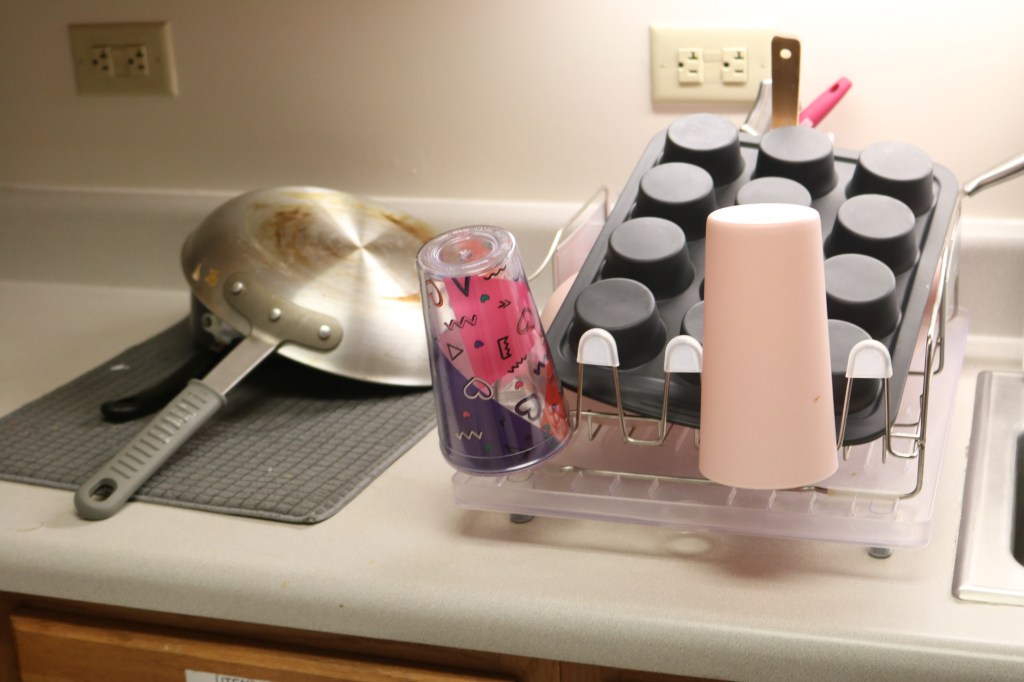
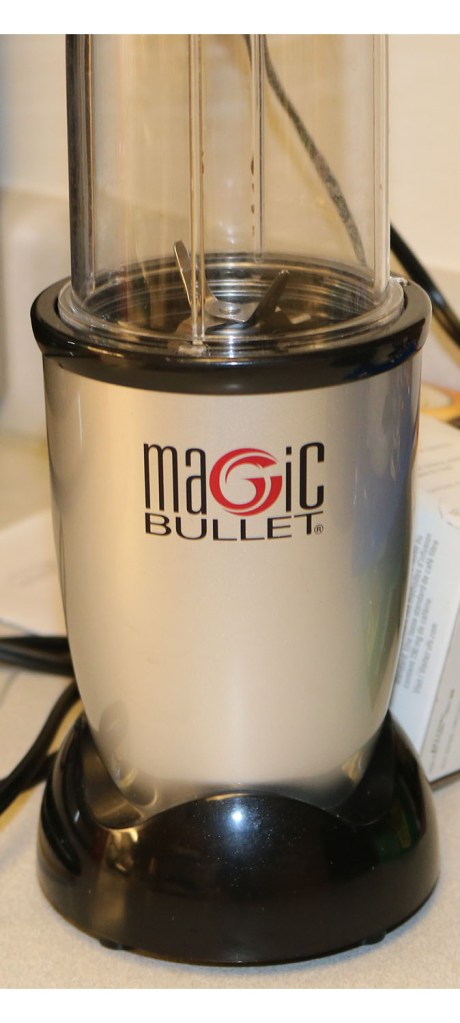
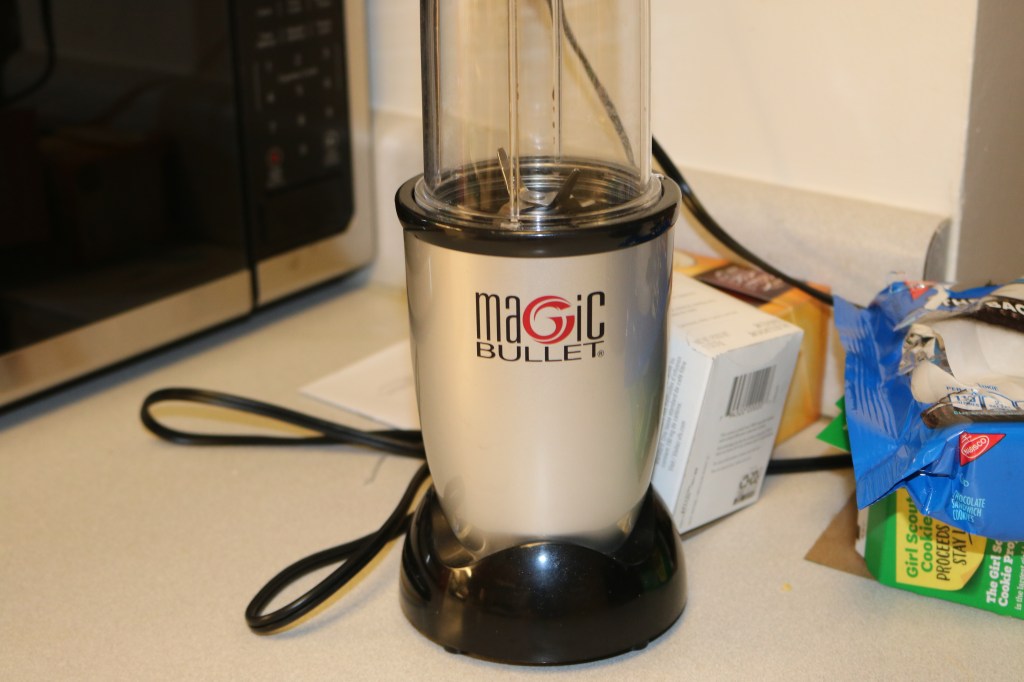
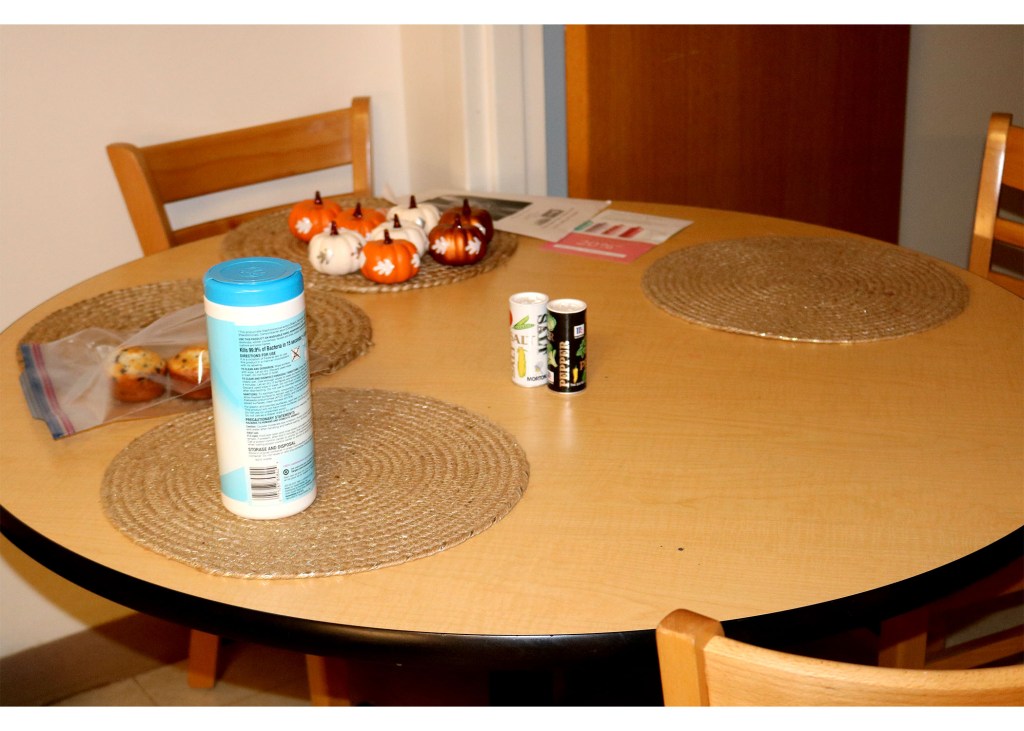
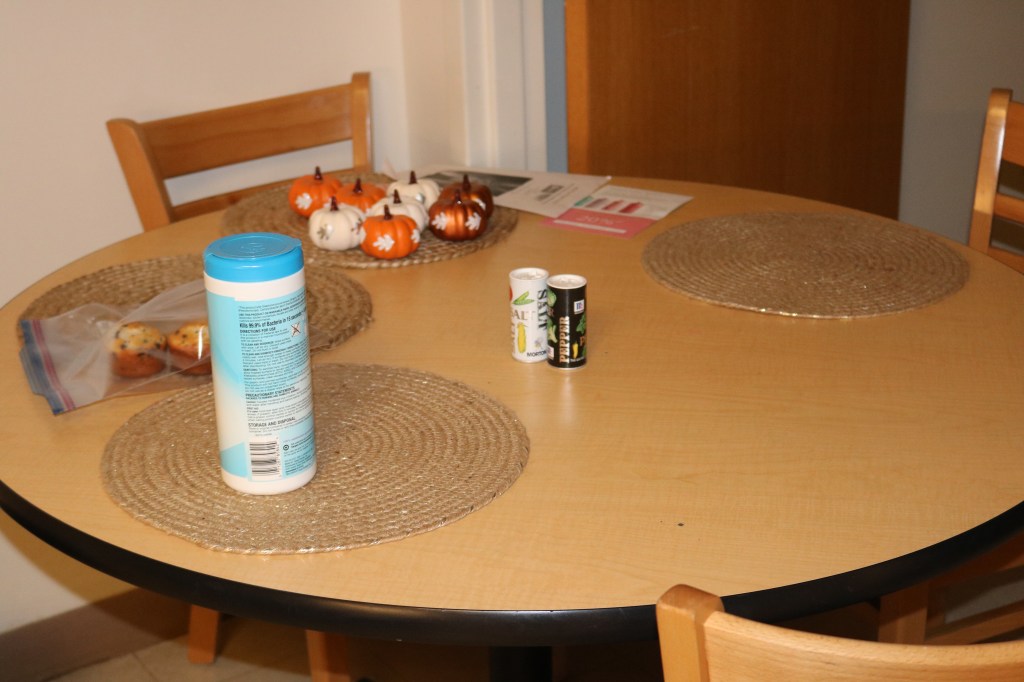
For all of these photos, I put them into photoshop and then copied a new layer so I always have a fresh one to compare what work I have done. After I finished that then I started playing with the application by cropping some of the photos. Then, I decided to try something a little more technical. So, I went into adjustments and changes the brightness and contrast. Once, I had set those I went back into adjustments and played with the levels. I would move the RGB, and then the red, blue and green individually. I moved them the little points at the bottom to the left and the right until I got the correct color I wanted. I also went into the exposure and touched up if something was overexposed and played with the curves which also changes the RGB, and then the red, blue and green individually.
 S_Beck_com220